

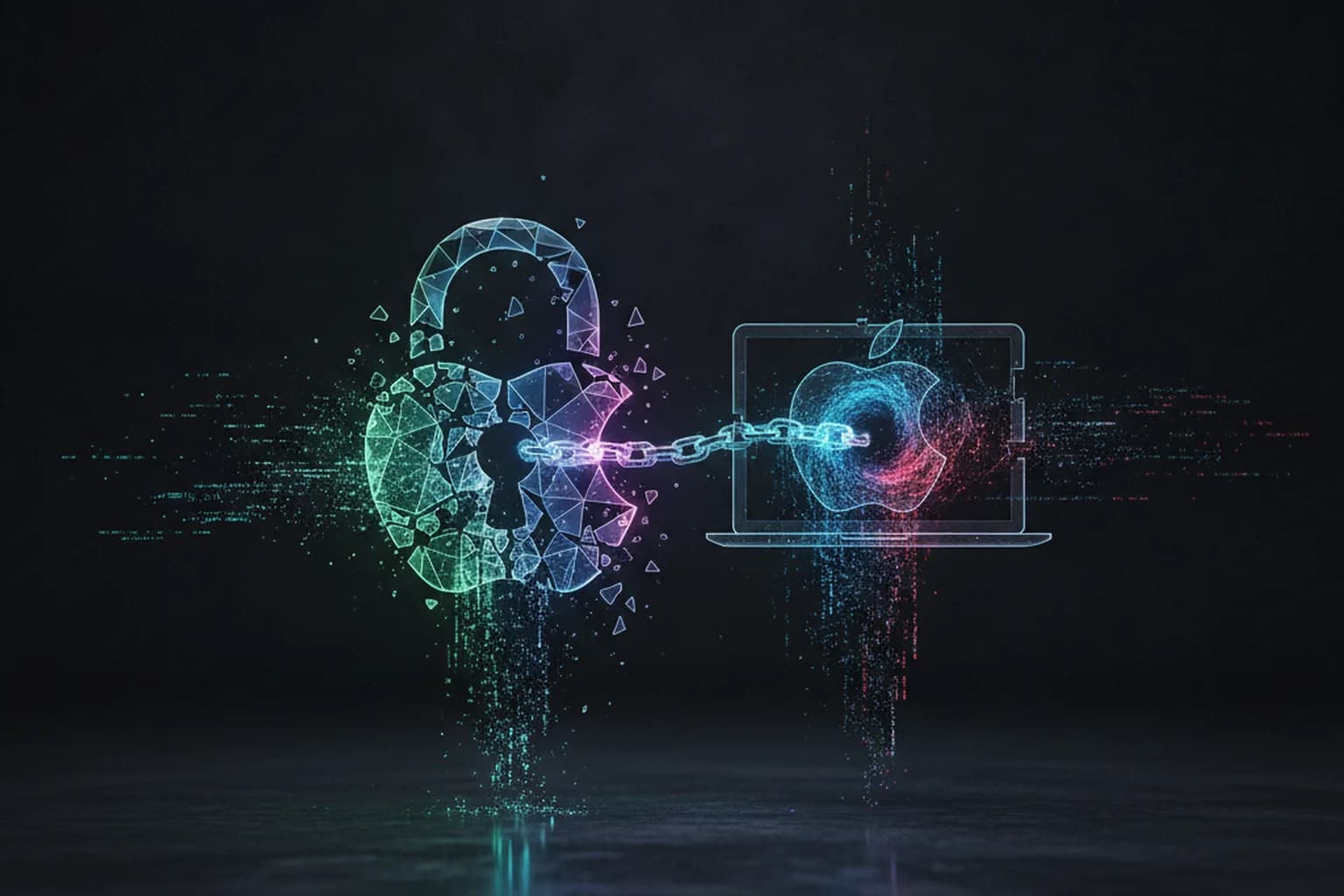
In short: Kaspersky researchers have discovered an updated version of MacSync — a macOS threat that combines an infostealer and backdoor in a single, multi-stage infection chain. The standout feature of this variant is that one component hides inside a publicly accessible iCloud calendar entry in ICS format, bypassing most security tools. Once installed, MacSync steals browser passwords, cryptocurrency wallet data, Telegram credentials and the macOS Keychain. If you downloaded any unfamiliar application in September 2026, your Mac is worth checking immediately.
What is MacSync and why is it dangerous in 2026
MacSync first emerged in 2024–2025 as a branch of the notorious AMOS (Atomic macOS Stealer) malware family. However, the updated variant documented by Kaspersky in September 2026 is no longer a simple data thief — it is now a two-component attack platform: an infostealer that collects sensitive data, and a backdoor that gives attackers persistent remote access to the victim's machine.
Kaspersky researcher Sergey Puzan noted that the infection chain has grown significantly more sophisticated compared to earlier versions: the malware now uses multiple download stages and unconventional channels for storing its modules, making it considerably harder to detect with standard security tools.
How it spreads: iCloud calendar as a malware hiding place
The attack begins when a user downloads a malicious file disguised as a legitimate application — a document collaboration tool, a cryptocurrency wallet, or another popular utility. Once launched, the file pulls additional components from several sources.
The defining feature of this new version is that one of the malicious modules is hidden inside a publicly accessible iCloud calendar entry in ICS format. This is an unconventional delivery channel: most antivirus solutions scan executables and archives, but not calendar data in cloud services. The downloaded component masquerades as a legitimate macOS system process and impersonates the Finder app — the system's native file manager — allowing it to remain hidden for an extended period.
After installation, MacSync displays a fake macOS corruption notification to the user, while the full attack infrastructure quietly deploys in the background. This is a classic social engineering technique: the user sees what looks like a system message and suspects nothing. Our security blog has documented how attackers exploit trust in system notifications across multiple campaigns.
What MacSync steals: passwords, crypto, Telegram
The infostealer component targets a wide range of valuable user data:
- Browser history, cookies, saved passwords and autofill data from Chrome, Safari, Firefox and others;
- Cryptocurrency wallet data — including seed phrases and private keys stored in browser extensions;
- Telegram credentials and chat data;
- The macOS Keychain — the system store for Wi-Fi passwords, account credentials and certificates;
- SSH and ZSH configurations that could allow attackers to connect to the victim's remote servers later;
- A list of installed applications and hardware identifiers for target profiling.
The theft of Keychain data is particularly dangerous: it contains not just user passwords but also system encryption keys, application authentication tokens and corporate certificates. A compromised Keychain effectively gives attackers complete control over the victim's digital identity.
The backdoor: remote control and Ledger app swap
MacSync's backdoor component disguises itself as Finder — macOS's native file manager. This disguise is highly effective because Finder runs continuously in the background on every Mac, and its presence in the process list raises no suspicion. Once entrenched, the backdoor gives attackers persistent remote access with broad capabilities:
- Executing arbitrary code on the victim's device on command;
- Stealing specific files from the device on demand;
- Injecting malicious extensions into the browser — likely to swap legitimate crypto wallet extensions for fraudulent clones;
- Replacing the legitimate Ledger application (hardware wallet manager) with a trojanized clone, enabling interception of all hardware wallet activity at the next device connection.
That last point is especially dangerous for hardware wallet users. Many assume a Ledger is completely safe even when connected to an infected computer — this is not the case. A swapped software client can display different recipient addresses or intercept transaction confirmations. Using LiMP VPN's traffic protection is most effective when the device itself is also secured.
How to protect yourself from MacSync
"Always check if the app you are downloading or installing is from the original developer, verifying its legitimacy via trusted sources," advises Kaspersky researcher Sergey Puzan. In practice, this means:
- Download apps only from the Mac App Store or official developer websites. If an unfamiliar site offers an "improved" or "unlocked" version of a popular application, treat it as a red flag.
- Never enter your administrator password in response to a prompt from an unknown installer — this is MacSync's primary entry point.
- Use a password manager (such as 1Password or Bitwarden): even if browser data is stolen, the main vault is protected by a master password that is not stored in the browser.
- Keep macOS Gatekeeper and XProtect enabled — on macOS Sequoia they can block known variants of the AMOS/MacSync stealer family.
- Enable two-factor authentication (2FA) for your Apple ID and all linked services — this limits the damage even if a password is compromised.
An additional layer of protection is network privacy. LiMP VPN encrypts all device traffic and prevents attackers from intercepting data on public Wi-Fi — in cafés, airports and coworking spaces, precisely the kind of environment where people download "recommended" apps. The no-logs policy ensures that neither your internet provider nor the service itself learns anything about your online activity.