

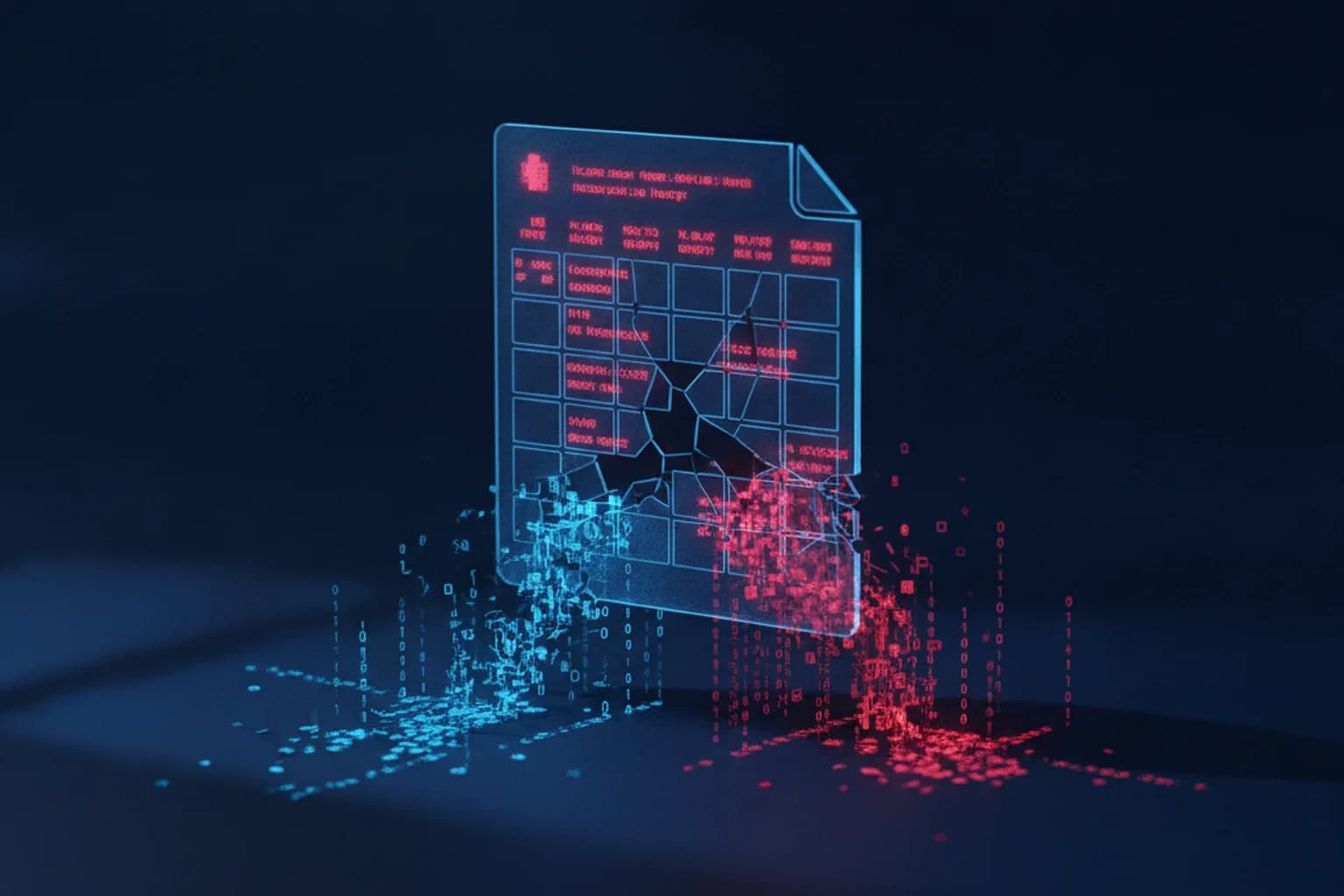
In short: In early October 2026, researchers disclosed flaws in the Calc spreadsheet component of two office suites — LibreOffice (CVE-2026-63277) and Apache OpenOffice (CVE-2026-59265). A specially crafted spreadsheet abuses the external-data-link feature to load a malicious Java driver and execute code the moment the file is opened — without the macro-warning prompt users have been taught to watch for. LibreOffice has already shipped a fix; OpenOffice's update is still in release-candidate status.
For users who rely on the classic "enable macros? yes/no" prompt as their main defense, this is an unpleasant surprise: the attack bypasses exactly the signal they were trained to trust. Before opening email attachments or downloaded spreadsheets, it's worth checking your office suite version and updating if needed — for more on why keeping software current matters alongside other layers of defense, see our guide on VPN, antivirus, and firewall working together.
What was found
The issue lives in Calc's external-data-link feature. An attacker can point a spreadsheet to a specially crafted Java JDBC driver. When the victim opens the file, the application loads and runs that driver automatically — no macro dialog, no further action required after the document opens. LibreOffice's flaw carries a CVSS score of 8.5 (high); Apache classifies the OpenOffice issue as critical. LibreOffice also patched five additional medium-risk flaws (CVSS 6.7–6.8) involving arbitrary file writes, local file inclusion, and SSRF through its data-mapping features.
Who fixed it, and when
LibreOffice patched the issue in versions 26.2.5 (released July 23, 2026) and 26.8.0 (August 26, 2026) — the fix is already out and ships through the normal update channel. Apache OpenOffice is further behind: the fix is slated for version 4.1.17, which was still in release-candidate status at the time this news was published, meaning it isn't officially available to all users yet.
Why it matters right now
Both suites see heavy use not just at home but in government offices, schools, and small businesses — often precisely because they're free alternatives to paid office software. That means the flaw isn't a niche concern: a spreadsheet labeled "invoice," "balance," or "recipient list" is a classic phishing lure, and now opening one can silently compromise a machine with no warning dialog at all.
How to protect yourself
- Update LibreOffice to 26.2.5/26.8.0 or newer — this closes the main vulnerability.
- If you use Apache OpenOffice and 4.1.17 hasn't been released yet, temporarily disable Java integration: Tools → Options → OpenOffice → Java, uncheck "Use a Java runtime environment."
- Don't open spreadsheets or documents from unknown senders, even if the subject line sounds urgent ("invoice," "reconciliation act," "contract") — our guide on protecting against ransomware covers similar tactics in detail.
- Keep antivirus definitions current — it can catch the malicious driver download even without an office-suite update.
A VPN doesn't protect against code execution through an office-suite flaw — that's a different threat layer, addressed by software updates and attachment caution. But if a document arrives via a cloud link or you're checking email on public Wi-Fi, encrypting your traffic with LiMP VPN reduces the risk of the transport channel itself being intercepted — details on the pricing page.